How many people, at what time, on which days. Plana assigns open shifts to the people who are available and stays within TES the whole time. The reason for each placement shows right next to it. When you move a shift by hand, Plana checks it straight away.
Auto-schedule your first roster3-month Pro trial during the public beta, no payment card needed
How it works
Set your needs
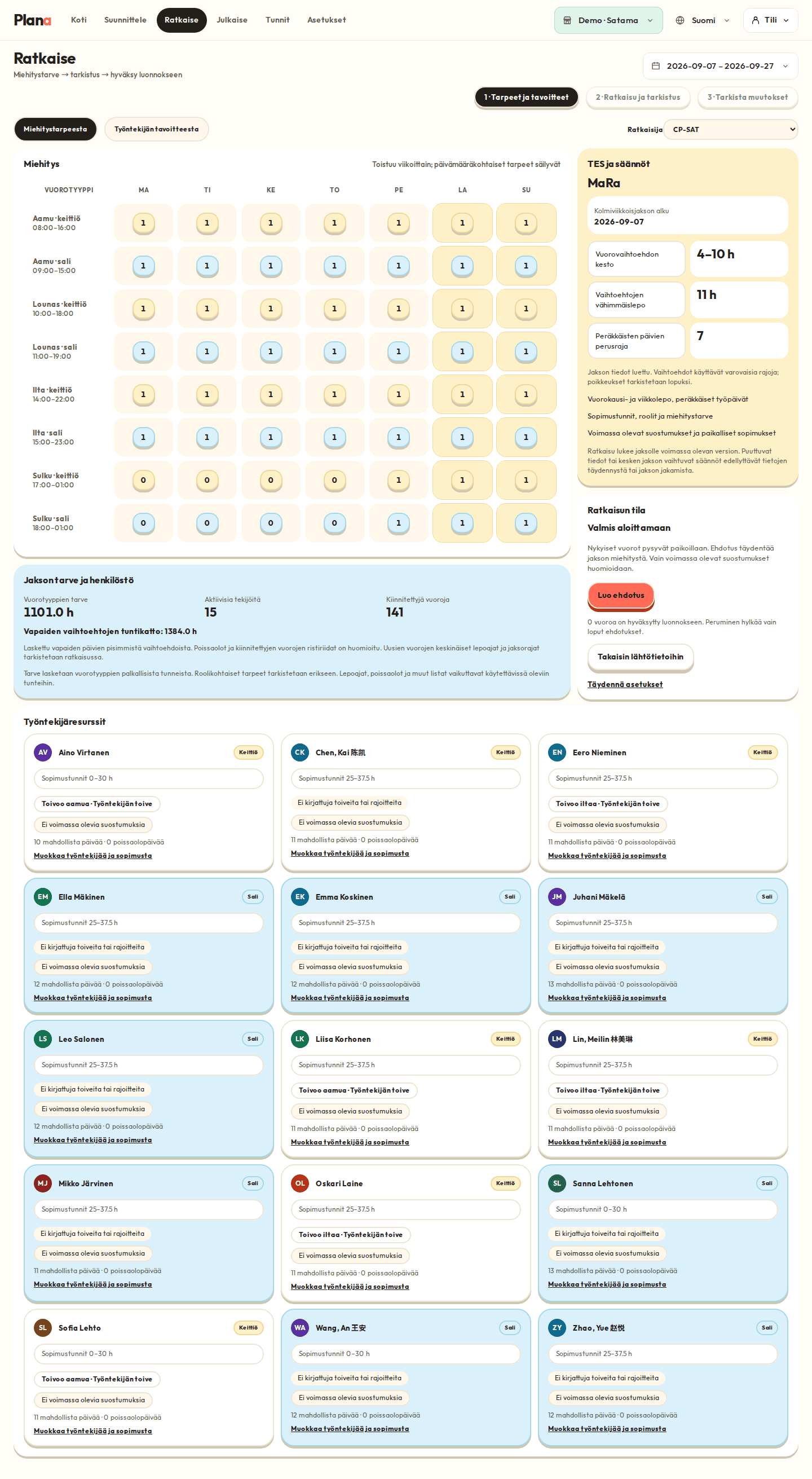
Shift types, headcount per shift and opening hours. You can set exceptions for specific days.
Fill open shifts
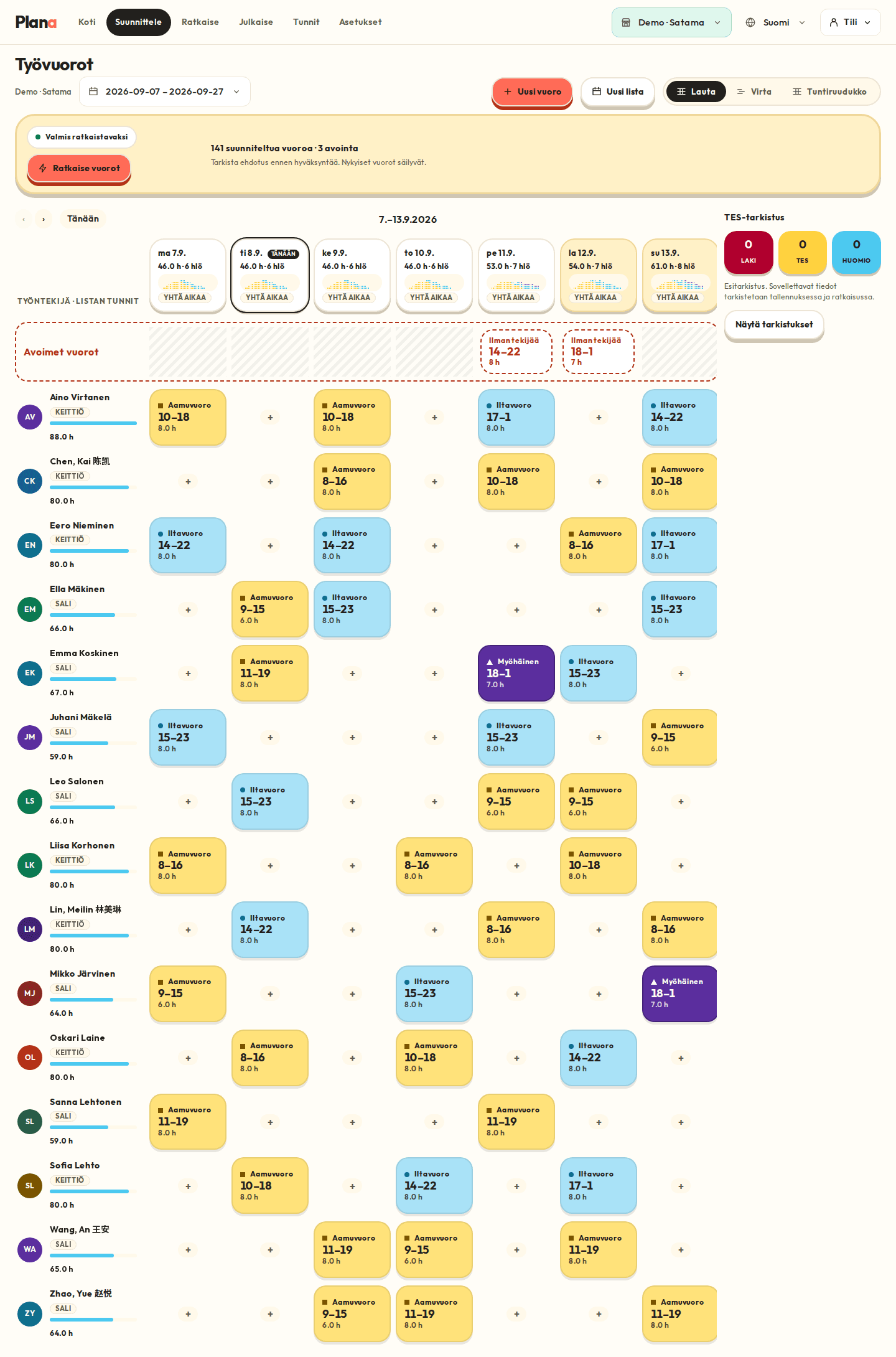
Plana places shifts based on employee availability, preferences and TES. The coverage bar shows which days still need someone.
Review and publish
Three levels. The law blocks, TES asks for a reason, notes only point things out. After publishing, changes go through the employee's consent.
What it looks like in Plana
Good to know
- 11 h rest, no more than 7 working days in a row
- At most 15 working days in a three-week period, balanced before publishing
- Sunday +100 %, evening supplement 18–24
- Emergency work (TAL 19 §) follows its own path and is recorded